Ask four people what "fast internet" means and you get four different answers, all of them using the same words. Bandwidth, throughput, latency, jitter. They are not synonyms, they do not measure the same thing, and three of them can be excellent while the connection still feels broken.
This is the first post in a series working through networking from the bottom. It starts here because every tool you will ever point at a network sits somewhere on the map below, and reading its output means knowing which part of the map it can see.
What a network is
A network is two or more devices connected so they can send data to each other. That is the whole definition, and on its own it is not worth much.
The part that does the work is the agreement. Both ends have to have decided in advance what the bits mean: where a message starts, where it ends, which part is the address, and what to do when something arrives damaged. That agreement is a protocol, and a network without one is two devices generating noise at each other.
Nearly everything in this series is a protocol, an addressing scheme, or a device that reads one to decide where to put the other.
Where the internet came from: ARPANET and TCP/IP
The Advanced Research Projects Agency Network (ARPANET) was the first working packet-switched computer network, funded by the US Department of Defense's Advanced Research Projects Agency.
The first host-to-host message was sent on 29 October 1969, from the University of California, Los Angeles (UCLA) to the Stanford Research Institute (SRI).
It crashed partway through the word LOGIN.
By December 1969 it had four nodes: UCLA, SRI, the University of California, Santa Barbara, and the University of Utah.
ARPANET was one network. The problem that produced the internet was different: by the early 1970s there were several networks, built by different people on different assumptions, and none of them could talk to the others.
The answer was a protocol that sat above all of them and did not care how any individual network worked underneath. Vint Cerf and Robert Kahn published the design in 1974, in a paper called "A Protocol for Packet Network Intercommunication". It later split into the Transmission Control Protocol (TCP) and the Internet Protocol (IP), and on 1 January 1983 ARPANET switched over to them in a single cutover still known as flag day.
That is what the word means. Internet is a contraction of inter-networking: not one big network, but a set of independent networks that agreed on a common way to hand traffic to each other. The word is a description of the architecture, and it is worth keeping in mind every time a packet leaves a network you control.
The five types of network: PAN, LAN, CAN, MAN and WAN
The five types get taught as five different things. They are one thing measured at five distances. Nothing about the technology has to change between them, and in practice a lot of it does not.
| Network type | Typical range | Example | Common technology |
|---|---|---|---|
| PAN (personal area network) | A few metres | A phone, a watch and a pair of earbuds | Bluetooth, USB |
| LAN (local area network) | One building or part of one | Home Wi-Fi, an office floor | Ethernet, Wi-Fi |
| CAN (campus area network) | One site, one owner | A university, a corporate campus | Private fibre between buildings |
| MAN (metropolitan area network) | A city | A university with campuses in three districts | Carrier fibre rings |
| WAN (wide area network) | Countries and continents | The internet | Leased circuits, carrier backbones |
A personal area network (PAN) connects a few devices within arm's reach of one person, usually over Bluetooth. A phone, a watch and a pair of earbuds are a PAN.
A local area network (LAN) connects devices within one building or part of one. Home Wi-Fi with a laptop, a phone and a printer on it is a LAN, and so is an office floor.
A campus area network (CAN) connects several LANs across a site that one organisation owns, such as a university or a corporate campus. It is a LAN that outgrew a single building without leaving the property.
A metropolitan area network (MAN) connects networks across a city or a large area within one. A university with campuses in three districts of the same city links them over a MAN.
A wide area network (WAN) connects networks over large geographic areas, up to and including the planet. The internet is the largest WAN there is, and what it connects is not individual machines but LANs and MANs.
The boundaries are soft, and people argue about where CAN stops and MAN starts. That argument is not worth having. The reason the categories exist is that distance changes what is achievable, which is the next section.
Bandwidth, throughput, latency and jitter
| Term | What it measures | Unit |
|---|---|---|
| Latency | How long one piece of data takes to reach the other end | Milliseconds (ms) |
| Bandwidth | The maximum rate the link could carry | Megabits or gigabits per second (Mbps, Gbps) |
| Throughput | The rate the link actually carries in practice | Megabits or gigabits per second (Mbps, Gbps) |
| Jitter | How much the latency varies between packets | Milliseconds (ms) |
Bandwidth is the maximum rate a link is capable of carrying, stated by whoever sold it to you. It is a capacity rather than a speed, and nothing about it guarantees you will ever see that rate.
Throughput is the rate the link carries in practice, once everything real has been taken out of it: protocol overhead, retransmissions, congestion somewhere you cannot see, a device in the path that cannot keep up. Throughput is always lower than bandwidth, and the gap between the two is where most interesting network problems live.
Latency is how long a single piece of data takes to reach the other end, and it is the one you feel. Adding bandwidth does not reduce it. A gigabit link to a server on another continent still has to wait for the packet to physically cross the distance, and that floor is set by physics rather than by your plan.
That floor is worth working out once, because it explains a lot of arguments. Light in single-mode fibre travels at roughly 200,000 km/s, about two thirds of its speed in a vacuum, because the glass slows it down. London to New York is about 5,570 km in a straight line. That is 27.9 ms one way and just under 56 ms for a round trip, before a single router, switch or firewall touches the packet. No amount of bandwidth moves that number.
Jitter is how much the latency varies from packet to packet. If packets leave evenly spaced and arrive unevenly spaced, that difference is jitter. It is the reason a call breaks up on a connection whose speed test looks fine: a voice stream needs packets to arrive predictably, and one that averages 40 ms but swings between 20 and 200 is unusable while averaging something respectable.
Measuring latency and jitter with ping
ping sends an Internet Control Message Protocol (ICMP) echo request and times how long the reply takes.
That is a latency measurement, and running enough of them gets you the variance too.
ping -c 5 1.1.1.1
The run below is real, from an ordinary home connection in Pakistan to Cloudflare's public resolver.
64 bytes from 1.1.1.1: icmp_seq=2 ttl=53 time=42.6 ms
64 bytes from 1.1.1.1: icmp_seq=3 ttl=53 time=87.2 ms
64 bytes from 1.1.1.1: icmp_seq=4 ttl=53 time=44.0 ms
64 bytes from 1.1.1.1: icmp_seq=5 ttl=53 time=44.6 ms

--- 1.1.1.1 ping statistics ---
5 packets transmitted, 5 received, 0% packet loss, time 4006ms
rtt min/avg/max/mdev = 42.577/52.210/87.215/17.520 ms
Read the last line rather than the individual replies.
rtt is the round-trip time, the total for a request and its reply, and mdev is the mean deviation of those round trips.
min/avg/max is 42.6 / 52.2 / 87.2 ms.
The average is the number people quote, and it is the least useful of the three.
One packet took more than twice as long as the fastest, which the average quietly absorbs.
mdev is 17.5 ms, and that is the jitter.
It is saying that this connection's delay is not stable.
For loading a page that does not matter.
For a call it is the difference between working and not.
Notice what the output does not contain.
There is no bandwidth figure and no throughput figure.
ping sends 64-byte packets and never tries to fill the link, so it can tell you nothing about capacity.
A connection can return excellent ping figures and still be unable to sustain a video stream, and that is not a contradiction: they are different measurements.
How this affects the tools you run
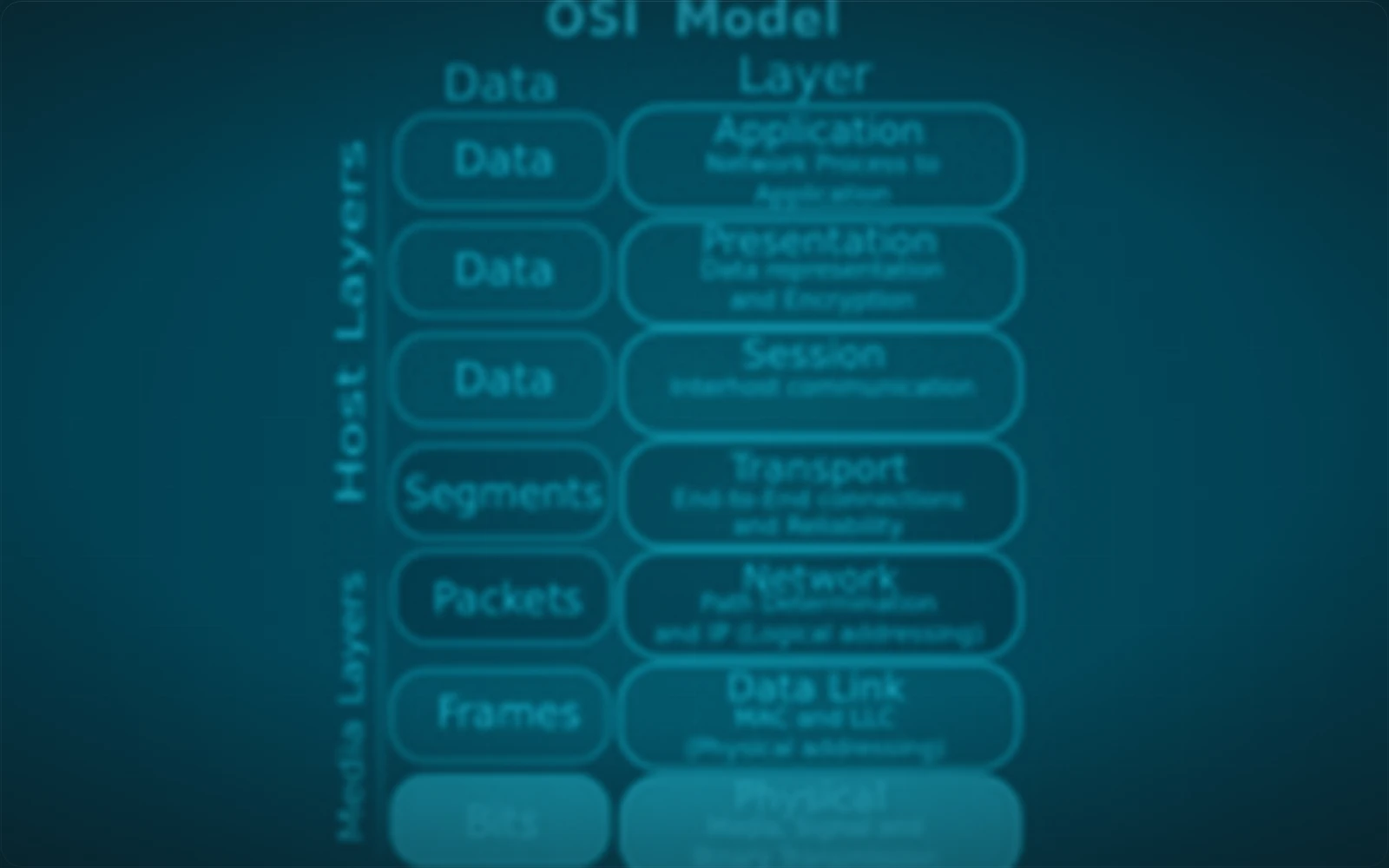
Every tool that touches a network is limited by where it sits on the map above.
A tool that reads media access control (MAC) addresses cannot see past the first router, because a MAC address identifies a device on one local link and is rewritten at every hop. A tool that reads IP addresses cannot tell you which physical port a host is plugged into. A scanner with a 100 ms timeout will find nothing on a path whose honest round trip is 200 ms, and it will report those hosts as down rather than as far away.
That last one is not hypothetical, and it is the most common way a scan lies. The tool is working correctly. The number you gave it was wrong for the distance involved.
Knowing which layer a tool reads, and what the physical link underneath it can actually do, is the difference between reading output and trusting it. The rest of this series builds that map from the cable upwards.
What comes next in this series
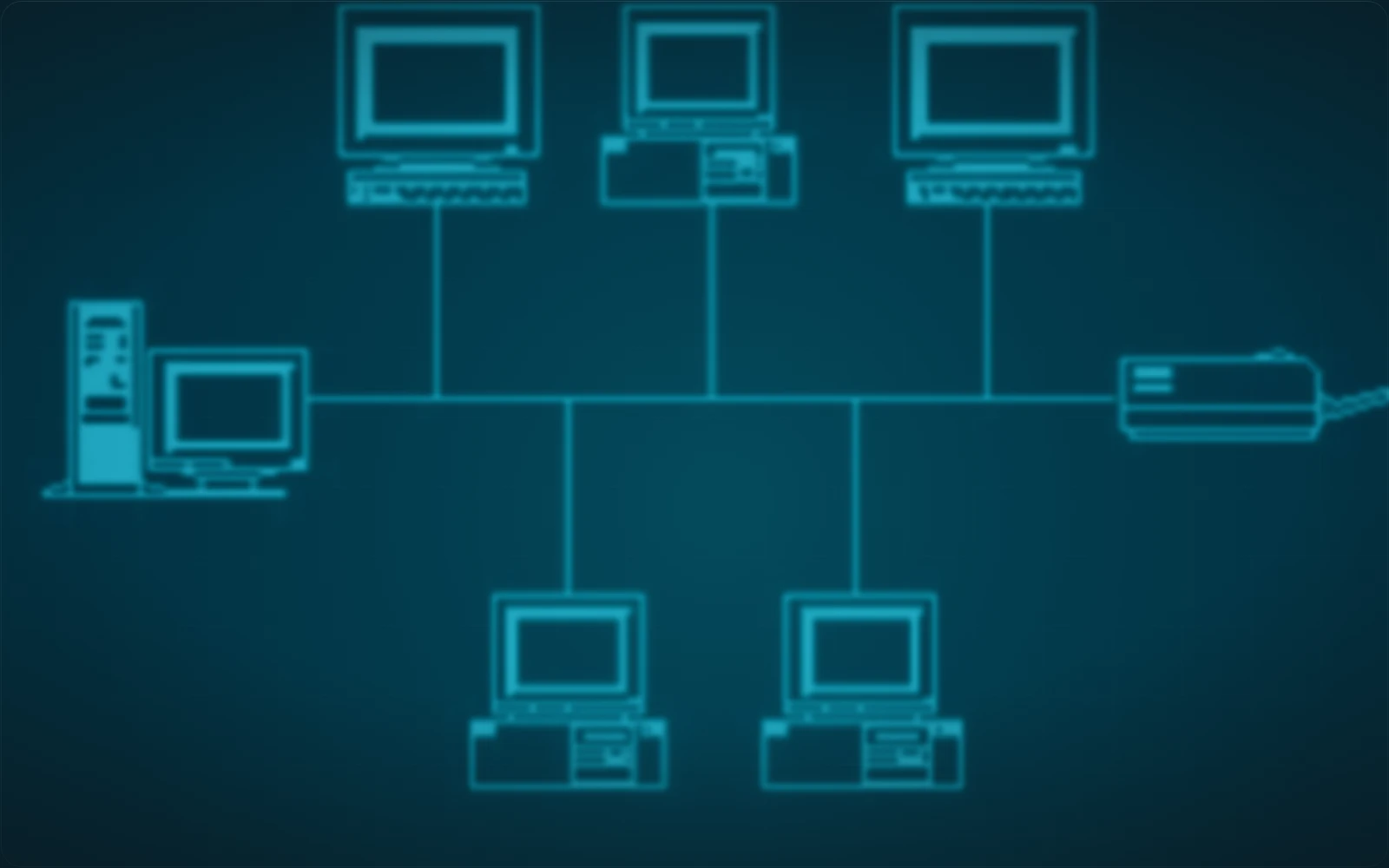
The next post covers network topologies, meaning how networks are physically arranged, and why the shape decides what happens when one link fails. After that, the Open Systems Interconnection (OSI) model and the TCP/IP model, which are the maps everything else in the series is drawn on.
These posts follow my own notes as I work through the material, so they go in the order the topics are learned rather than the order they would be taught in a reference.